How I reverse-engineered my smart glasses and built my own app to take back control of the data
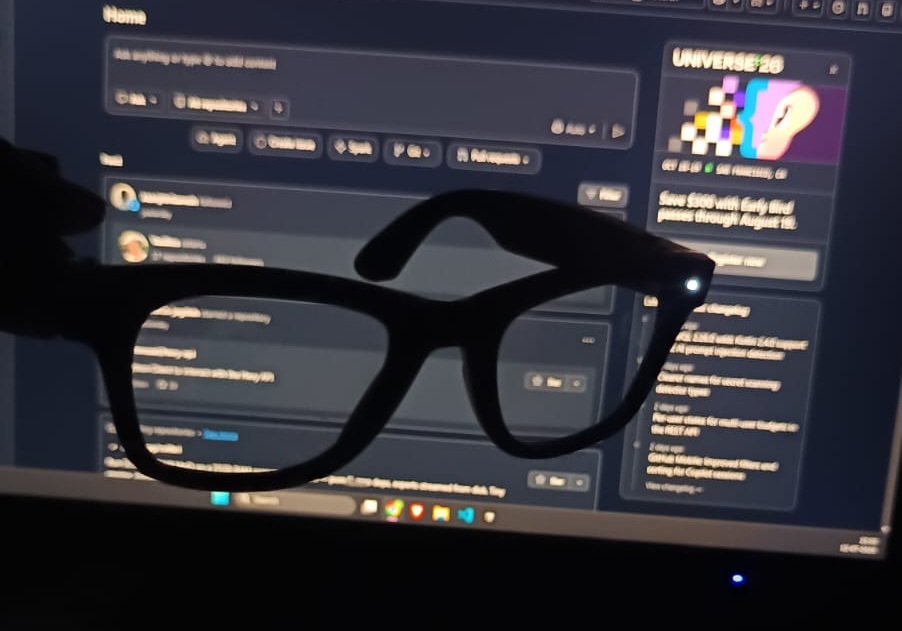
I got AI smart glasses from China (HeyCyan - Model:E03S). The AI reasoning wasn't good, it couldn't fetch real-time data, and everything was locked into the vendor's app. So I set out to build my own app and control the data layer myself.
I bought AI smart glasses expecting a wearable assistant. The built-in AI was weak and outdated, it couldn't touch anything real-time, and every "smart" feature routed through the vendor's closed app. I'd point the glasses at something, ask a question, and get an answer that was not satisfactory.
The hardware was fine. A camera on your face and a mic — that's a genuinely useful capture device. The problem was entirely the software wrapped around it. Once I saw it that way, the goal got clear: I need to get underneath the vendor's app and see how it works. If I could own the data layer — pull the photos and audio off the glasses myself — I could plug in whatever brain I wanted. Live data. My own automations.
The SDK looked promising and wasn't
The glasses shipped with a Bluetooth SDK, so I started there. 368 classes — encouraging, until I read the names: heart rate, blood oxygen, ECG, sleep, menstrual cycle, prayer times. On a pair of glasses. Clearly a generic smartwatch SDK the vendor reused across their lineup, and most of it does nothing on this hardware.
One method looked like exactly what I needed — writeIpToSoc, which sounded like "send the glasses an IP and start transferring." I built around it. Nothing came back. So I had the AI help me sweep the whole library for an HTTP call, a socket, any URL at all. Between us we came up empty. There was no file-transfer code in the SDK — whatever moved the media lived in the vendor's app, not the library they handed developers. So the target shifted: take the app apart.
Reading the decompiled app
I pulled the vendor APK off the phone and decompiled it with jadx. Decompiled Android is a wall of ugly, machine-generated code, and this is where having an AI in the loop earned its keep — I'd point it at a class and we'd work out together what it was doing, which threads to pull, which to ignore. The thing that cracked it open wasn't clever logic, it was the strings. Developers leave debug log lines right in the shipped app:
"[Music P2P] HTTP Server started at "
"[Music P2P] isGroupOwner localIp="
"[Music P2P] transfer complete"That reframed everything. The heavy lifting wasn't Bluetooth — it was Wi-Fi Direct. The glasses stand up their own little network, run an HTTP server on it, and the phone pulls files over that. Bluetooth was just the doorbell that tells the glasses to bring the network up. Tracing the photo path, we found the method that starts it and the four-byte Bluetooth command it fires first:
[ 0x02, 0x01, 0x04, 0x01 ] // "start the transfer network"The part where nothing worked
Knowing the shape of the answer and actually getting it are very different. I sent that command and waited. Silence. Sent variations, dozens of times. More silence. Before anything worked, the tally of dead ends was:
That last one was mean. The library's own function for reading the glasses' IP built the address from the wrong bytes — it read one byte twice and skipped the next entirely. It told me the glasses were at 192.168.1.1 when they were actually at 192.168.1.42. Knocking on the wrong door, blaming the lock. We only caught it by decoding the raw frame by hand and comparing it against what the SDK claimed — the AI walked the byte offsets with me until the mismatch was obvious.
// SDK builds the IP from bytes 10 . 11 . 12 . 12   ← reads byte 12 twice,
//                                            ↑ ↑        never reads byte 13
ip = b[10] . b[11] . b[12] . b[12]      // WRONG → 192.168.1.1
ip = b[10] . b[11] . b[12] . b[13] // RIGHT → 192.168.1.42I also burned an evening on a rabbit hole that was nothing. I'd found HMAC signing code in the app — timestamps, a secret key, the works — and convinced myself the glasses' server needed a signature on every request. It didn't. That signing was for the app talking to the vendor's cloud, not the glasses on my desk. Good reminder that code existing in an app doesn't mean it's on the path you care about.
Watching it on the wire
When guessing kept failing, the AI's suggestion was the one that broke the logjam: stop reading the code, watch the actual traffic. So I put a no-root packet capture on the phone, filtered to the vendor app, and ran a real transfer while recording every byte. And there it was, in plaintext — the exact request I'd been failing to reconstruct:
GET /files/media.config HTTP/1.1
Host: 192.168.49.43
Connection: Keep-Alive
User-Agent: okhttp/4.9.2

→ 200 OK
20260710200000875.mp4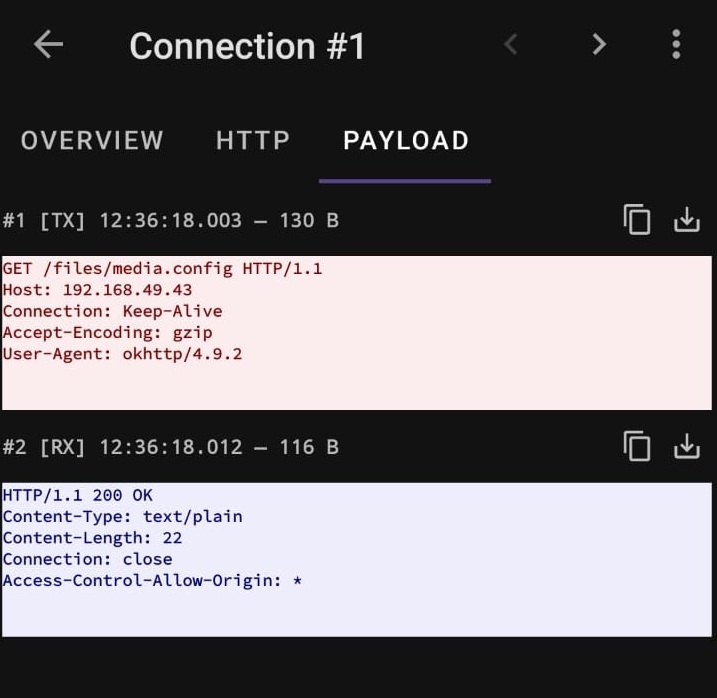
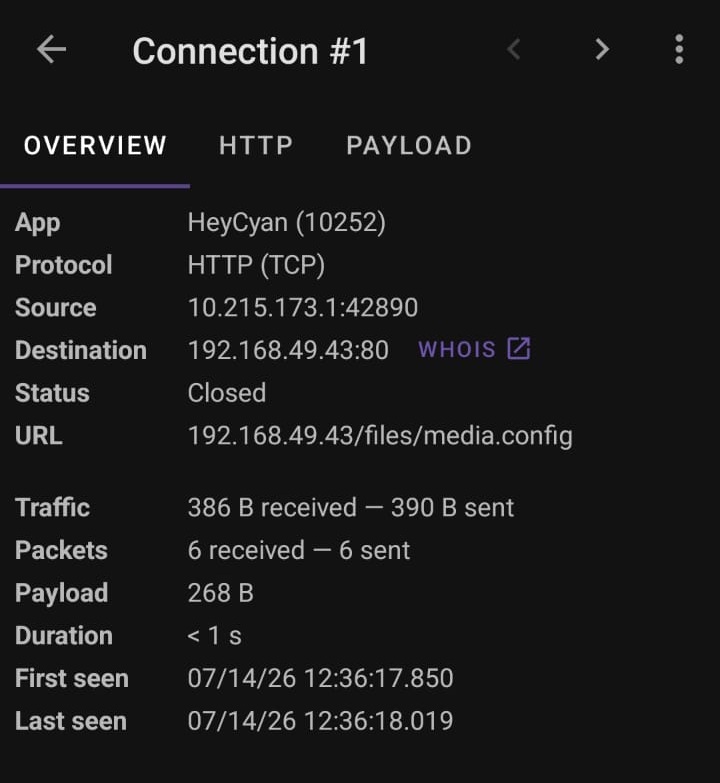
Two things I'd had wrong jumped out. The path wasn't the deep /storage/... route I'd inferred from the decompiler — it was a clean /files/media.config. And the server was picky about User-Agent: leave it off and it returns 400. My hand-typed requests had no User-Agent. The app's did. That one header was the whole difference between "invalid request" and "here are your files." So the full protocol, finally:
1.  BLE trigger  [02 01 04 01]   →  glasses bring up a Wi-Fi Direct network
2.  GET /files/media.config      →  the file list
3. GET /files/<name> → each full-resolution fileThe last mile is always the weird part
The first 200 OK felt like the finish line. It wasn't — it was a second batch of problems, the kind you only hit on real hardware. And this is where the AI-as-pair-programmer really paid off, because each one was a specific, obscure failure and we could chew through them one at a time. The server hangs up after every response, so any client that reuses the connection dies with "unexpected end of stream" — force a fresh connection per request. Just opening a bare TCP connection to test reachability jams the little server — you knock with a complete request or not at all. Ask for the file list right after recording and it hangs, because the glasses are still encoding — that unexplained loading spinner in the vendor app is exactly what it's waiting on. And Android quietly sends requests over mobile data instead of the glasses' Wi-Fi unless you pin them, and blocks plain HTTP until you whitelist the address.
Each was an hour of confusion followed by a small click of it making sense. Then it worked — a full-resolution photo pulled straight off the glasses into my own app. The Bluetooth thumbnail the vendor path had been giving me was about 18 KB.
The app
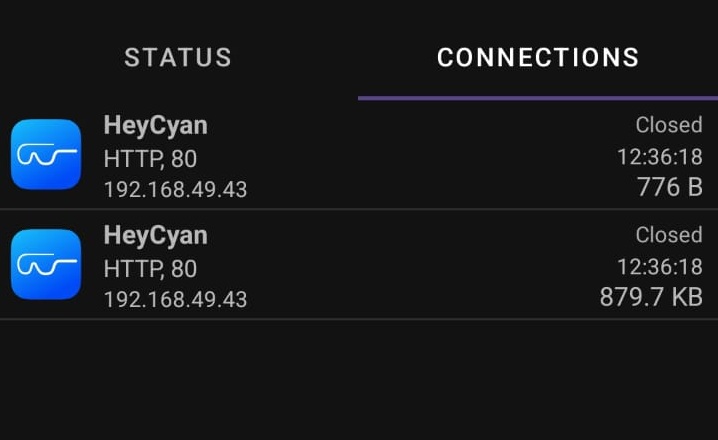
I wrapped all of it into my own Android app. The reverse-engineered transfer lives as a small, self-contained core — connect over Wi-Fi Direct, list the files, download them — with a gallery on top, and the whole capture-to-AI pipeline behind it. It does everything the vendor app did, minus the parts that annoyed me, plus the hooks I actually wanted: full-resolution import, my own model behind the camera, room to bolt on automations.
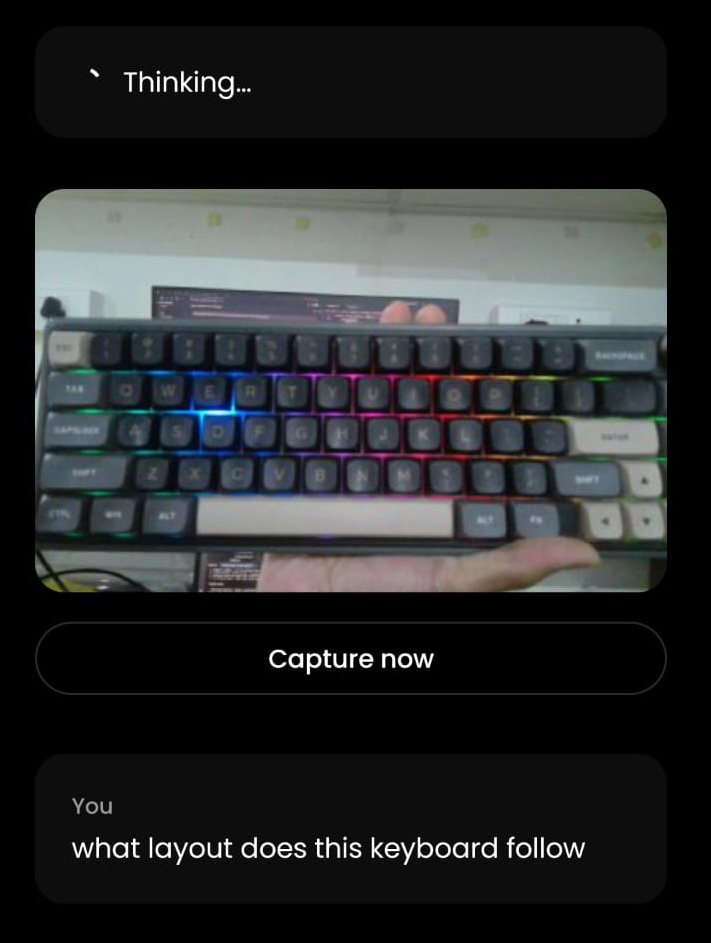
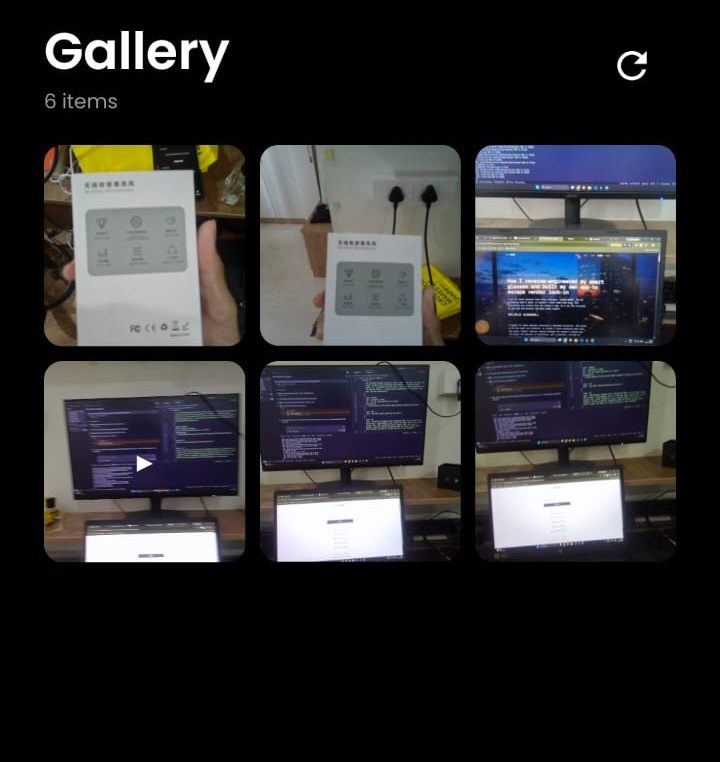
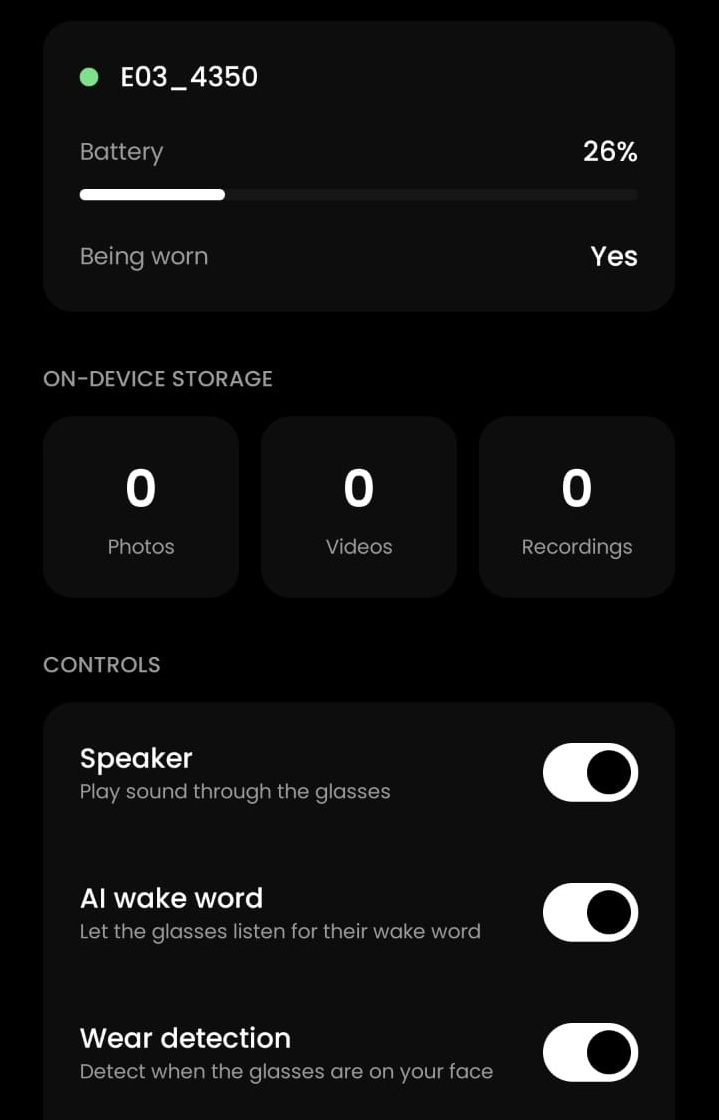
The brain behind the camera
Owning the data layer was the hard part. Once the media flowed into my own app, choosing the intelligence was the easy, fun part — and I kept the whole pipeline deliberately simple: capture on the glasses, understand with a model I pick, answer back in my ear.
For turning my voice into text I use Android's own on-device SpeechRecognizer — no separate transcription cloud, it just runs on the phone. The reasoning brain is Google's Gemini 2.5 Flash, and picking a multimodal model was the whole point: a single call takes both my spoken question and the full-resolution image the glasses captured, so it can actually reason about what I'm looking at, not just what I said. The reply is spoken back through Android's built-in TextToSpeech. That's the exact thing the vendor got wrong — a stale model I couldn't change — replaced with a current one I can swap any time.
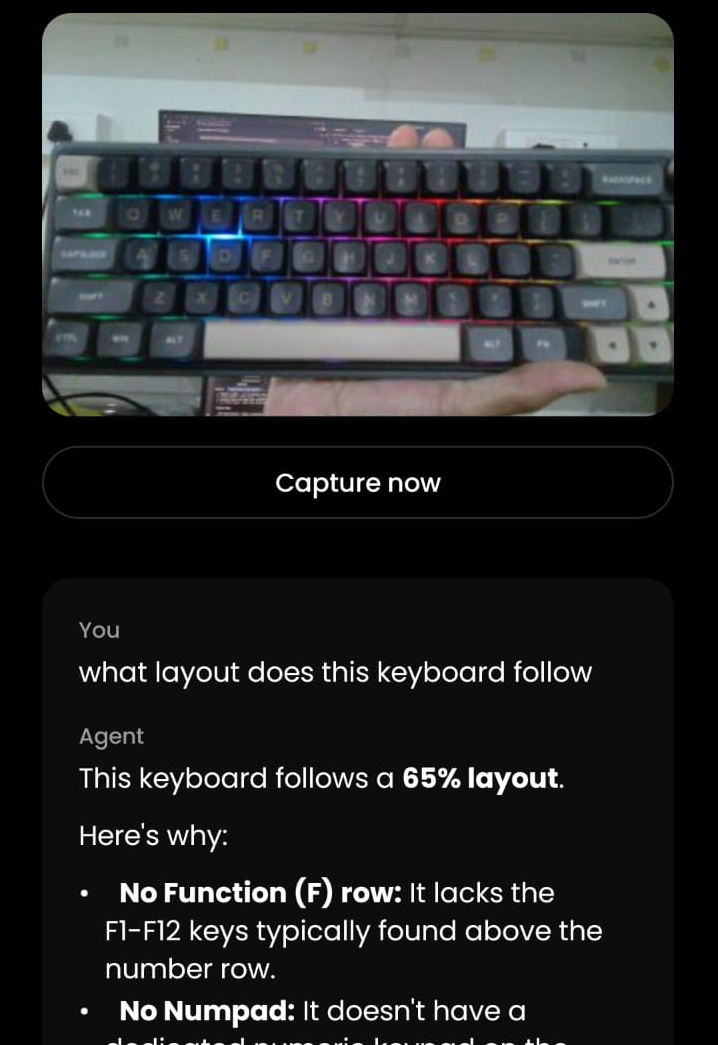
And this is only the pipe. The real payoff is what happens on the other end of it: wiring the model's output into automations. Point at a whiteboard and have it land as clean text in my notes. Catch a receipt and turn it into a row in a sheet. Speak a passing thought and have it filed as a task before it's gone. That's the part I'm building next — the glasses become the least interesting piece, which is exactly what you want from an input device.
What actually surprised me
The thing I keep coming back to is how wrong the decompiler let me be. Reading the decompiled app felt like understanding the system, and I was maybe 90% right — the dangerous kind of wrong, because the missing 10% was invisible from the source and cost me days. The details that actually broke everything — the required User-Agent header, the SDK's byte-reading IP bug, the real /files/media.config path — couldn't be seen just by reading the code. It looked complete and correct.
The other shift was how I started treating failures. Early on, every silent command and every 400 felt like a wall. Somewhere in the middle it flipped and I began reading them as the device telling me something specific — a 400 that never changes is "your request is malformed," not "no"; a timeout only after recording video is "I'm busy," not "I'm broken." Working with the AI reinforced that, because its instinct was always to form a hypothesis about why something failed rather than just retry it.
And I came away with a real sense of how this kind of work changes when you've got a capable AI beside you. A few years ago this project would have been out of reach for me on a weekend budget — the decompiled-bytecode reading alone would have burned all my patience. Having something that could keep pace with the tedious parts, suggest the right tool at the right moment, and decode byte layouts on demand meant I got to stay in the part I'm actually good at: staying curious, forming the next question, deciding what mattered. The curiosity and the goal were mine. The reach was ours.
These glasses will never get official docs. But now I can build on them — and the assistant I actually wanted turned out to be a data layer, and a good pair-programmer, away.